
Biometric timeclock for practices and clinics
Staff clock in with a look. Half the timesheets stop being wrong.
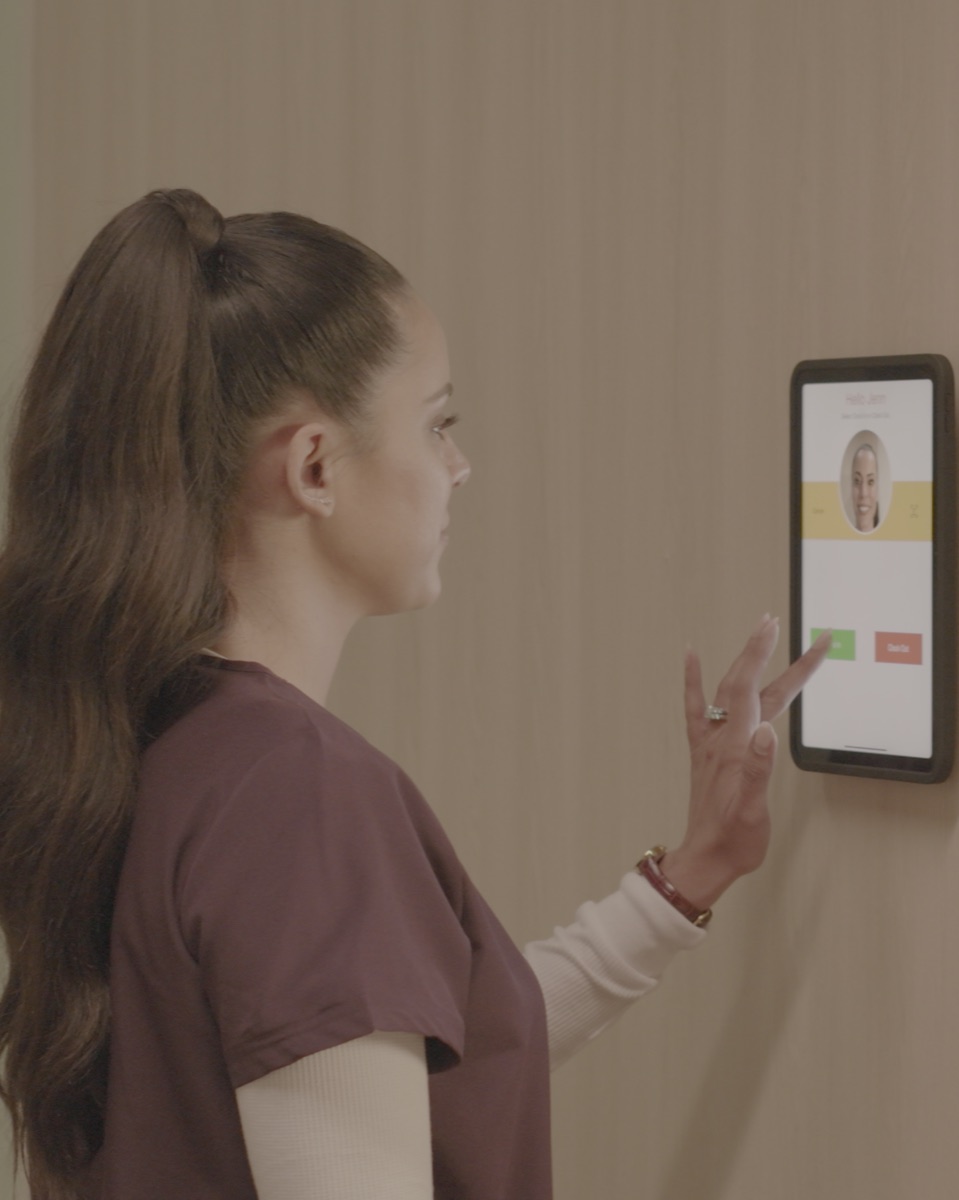
An iPad on the wall by the staff entrance. Your team looks at it, it recognizes them, and the hours go straight into payroll. No paper timesheets to chase, no shift reconstructed from memory on a Monday morning — and one honest record of who was on shift.
Where the time goes
The cost isn't the clock. It's every Monday spent fixing it.
The money usually isn't walking out the door with somebody gaming the system. It goes into the payroll run itself — the part of every period that has to be reconstructed by hand before anyone can be paid.
The clock you already have is on their phones.
It's free, it came bundled with payroll, and it gets tapped from the parking lot — or not at all, because nobody opened the app. Either way somebody is emailing three people on Monday to ask what time they came in last Tuesday, then taking the most confident answer.
Fixed by a clock on the wall — walking past it is the punch, and it matches the face in front of it.Payroll gets keyed in twice.
Hours come off a sheet or a spreadsheet and get retyped into the payroll system. It is slow, it's the easiest place in the week to make an expensive mistake, and it happens again in two weeks.
Fixed by hours landing in payroll directly — no retyping, whatever runs your payroll.Last week's hours, written from memory.
Someone's card gets swiped by a colleague, or the sheet is filled in at the end of the week from memory and rounds generously. It's rarely malicious. It's still real money, every single pay period.
Fixed by facial recognition — the clock records the face in front of it, not a shared code.Nobody can answer "who's in?"
When you need to know who is on site right now — for coverage, for a schedule change, for anything — the honest answer is to walk the building and look.
Fixed by a live record — clock-in and clock-out are captured as they happen.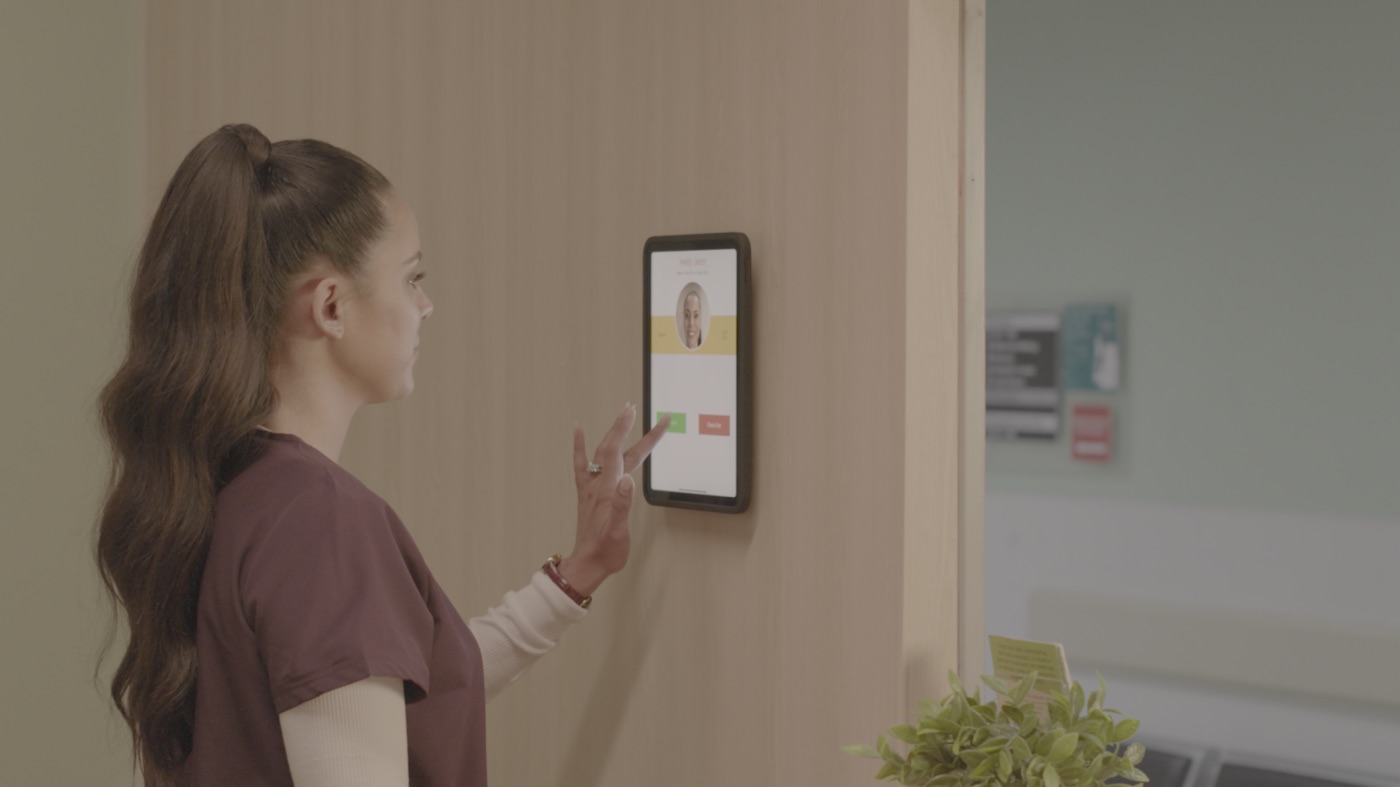
What it looks like on the wall
An iPad, mounted where people already walk past.
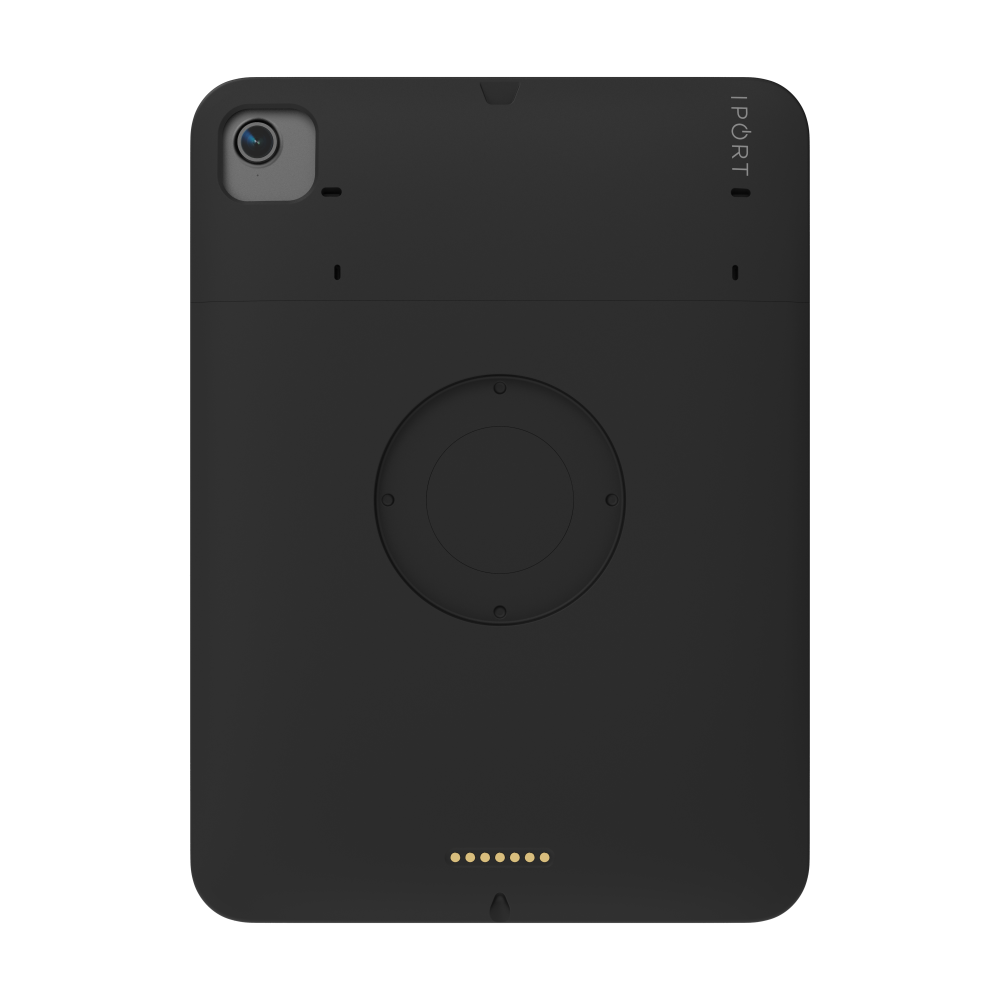
By the staff entrance, in the break room, at the back of the front desk — wherever your team already passes at the start of a shift. The iPad sits in a locked case on a fixed mount, so it doesn't get borrowed, and there is nothing on the counter to knock over.
This is the whole thing, not half of it.
A timeclock needs two parts: something to run it on, and something to run. IPORT makes the first. NoahFace makes the second. We'll quote you both, so you are not left holding a mount and a shopping list.
Case, mount, and power
A locked case around the iPad and a fixed wall mount. Bought once. There is nothing recurring on the hardware.
The clocking platform
Facial recognition clock-in, configurable to how your shifts run, and it connects to Workday and UKG right out of the box.
You keep your payroll system. Nothing here asks you to move off the software that already pays your people — it feeds it.
What it costs to put one up
One clock-in point, mounted and locked.
Prices below are the IPORT hardware for a single clock-in point, and they are one-time. Tell us about your setup and we'll confirm the NoahFace licensing alongside it in the same quote.
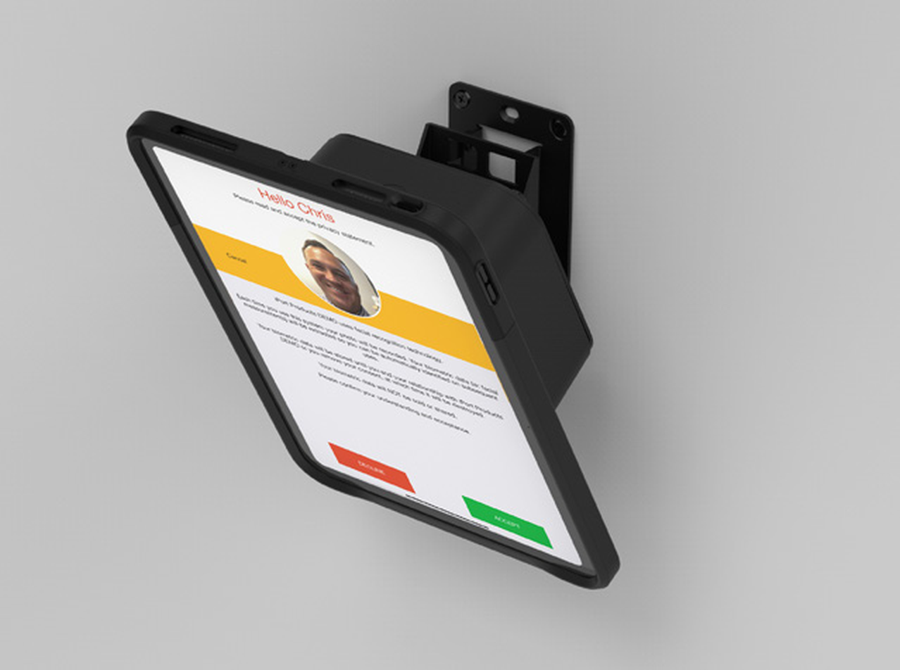
VESA mount
- Locked case around the iPad
- Mounts to a wall bracket or any standard 75/100 mm VESA arm
- Needs a power outlet within reach
$235 per clock-in point · case $150 + VESA mount $85, one-time
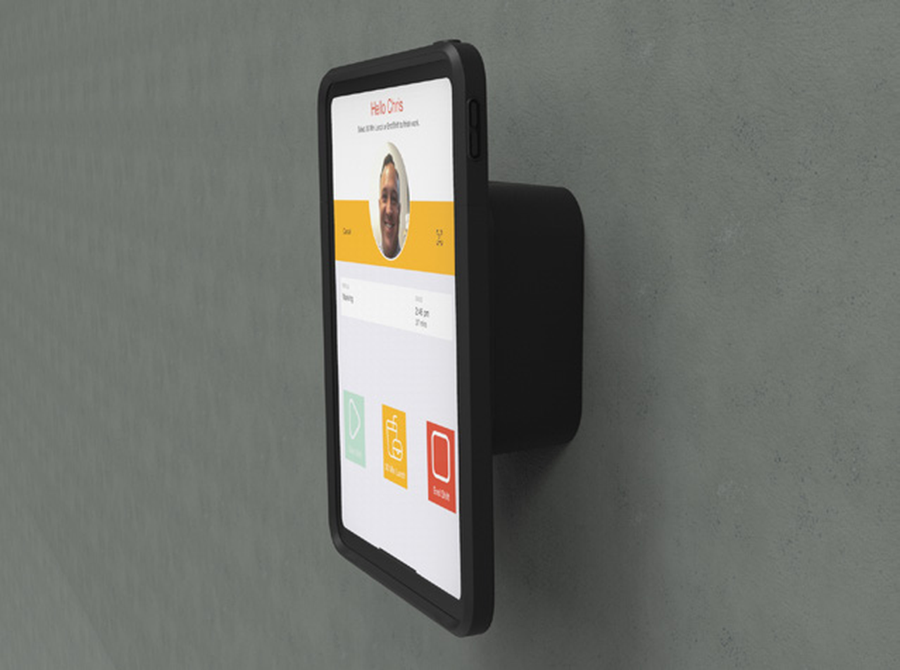
Tilt mount, powered over network
- Power and network over a single cable
- Tilts up to 20° for easier reach
- Needs a PoE+ switch feeding that spot
$475 per clock-in point · case $150 + tilt mount with PoE+ $325, one-time
Multi-location
- One clock-in point per location
- The same setup and the same record at each
- Quoted together, hardware and licensing
Quoted to your practice
You'll also need an iPad at each point. The case is made for the iPad A16, and also fits the iPad mini A17 and the iPad Air 11" and 13". If your spare is one of those, use it — if you're not sure which you have, tell us on the form and we'll check before you order.
Questions, answered.
Our payroll already includes a time clock. Why pay for another one?
Do we have to change our payroll system?
Where does the facial data go, and who holds it?
What about staff in masks?
Do we need an IT person to put it up?
Can the iPad be taken off the wall?
How small is too small for this to be worth it?
Tell us how your team clocks in today. We'll send pricing.
- Itemized pricing for the hardware, with the NoahFace licensing alongside it.
- We'll confirm how it connects to the payroll system you already run.
- No obligation. Your details go to IPORT and to BITCADET, who run this campaign for IPORT. We never sell them — our privacy policy covers how they're handled.
What happens next
Send the form — it takes about a minute.
IPORT's healthcare team replies with pricing and how it fits your payroll setup.
You order what you need. It mounts on a wall and your payroll system stays where it is.
Prefer to talk it through? Call 949.226.5222.
Thanks — that's on its way to IPORT's healthcare team.
It arrives from an @iport.io address, so keep an eye out. In a hurry? Call 949.226.5222.